



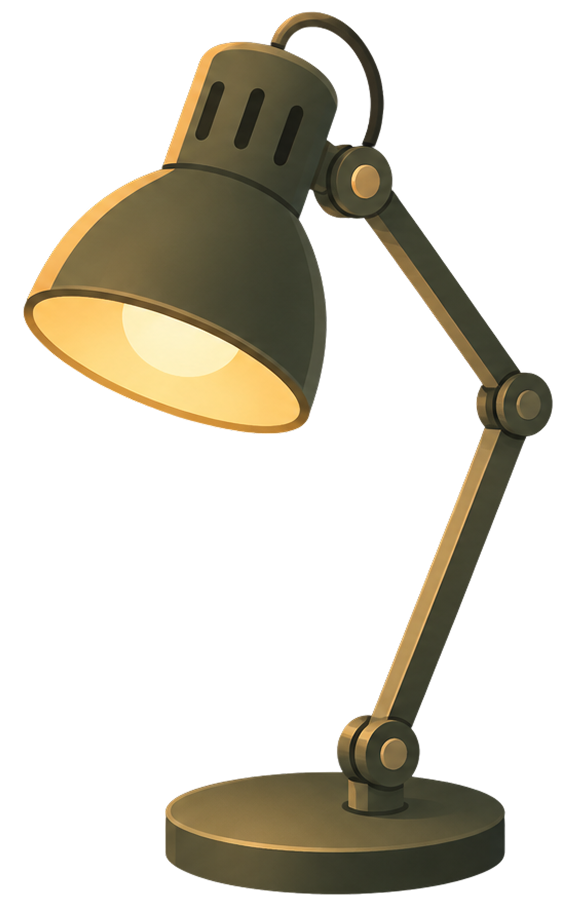
Desk Lamp mode.
Bathe your screen in a warm, focused glow. Desk Lamp mode brings the comfort of a reading light to your monitor and blends with your paper texture, so long sessions feel cozy and inviting.
a Desktop Screen Utility for Mac and Windows
Soft, paper-like textures that settle over your whole screen, taking the glare and harsh contrast out of everything you do.
 Heads up: the paper effect turns off while an app is in full
screen mode on the Mac App Store version, due to Apple's
sandbox restrictions. For full-screen support,
download directly instead.
Featured on





Happy users from 170+ countries
This app creates a comfort that I didn't realize I was missing from flat, lifeless pages that left my eyes wanting for more. I'm a dark mode fanatic, and the paper texture really does make things easier to look at for long periods of time, especially reading text. Very quick and easy to disable for my photo editing apps as well, which was a nice surprise. Hard to describe, but once you use it for a day, you'll get it.
Paperman does something most eye comfort apps don't. Instead of just shifting the color temperature, it adds a subtle paper like texture that softens the harshness of the screen. The difference, especially over long working days, is real. And it also works with my external monitor. What pushed me to write this though was the support. I hit a couple of issues on setup and the developer replied quickly, diagnosed everything precisely, and was honest and helpful throughout. For an independent studio this level of care stands out. Happy to recommend it
I was not expecting much, but wow, this app makes such an immediate difference! This, combined with a resolution modifying app like BetterDisplay has made such a difference on the ocular fatigue I encounter with the HiDPI displays on Mac computers. I'm not sure why a "simple" overlay works, but it does indeed reduce the on-screen contrast without impacting legibility (I'd dare say for me, the legibility is better now), and reduces the amount of refocusing my eyes perform. I don't care if this app makes any updates. Keep this thing running from one OS update to another, and I'll be eternally grateful.
A couple of days ago I bought a little Mac app called Paperman. All it does is lay a soft paper texture over my screen — sounds silly, I know, but I spend entire days in front of this thing, and by evening my eyes and my head are done. Anything that helps, I'll take. Then I hit a bug. The next day I got a reply. Not a canned "thank you for contacting support" - a real person. The morning after that: "Hey, I've got an update - go check it out and please test it." Turned out the old version hadn't fully quit; I restarted it, and it worked beautifully. That exchange made my week.
I have been wanting a matte screen for my Mac for a while now. This app gives me the best possible solution. You can choose from a variety of textures and toggle it on and off as you choose. My screen looks cozy and reduces eye strain significantly, especially at night. One of my best purchases. Happy to pay for this. Works perfectly on Chrome as well!
It's a great little app and offers some immediate relief. You feel less sucked into the screen and blinking much more naturally.
Holy smokes, I didn't expect to get much from this app, but after two days I can't imagine living without it. Somehow it softens/diffuses the light coming off the screen, and makes it feel cozier and more welcoming. When I turn it off, the screen feels pretty harsh and sterile by comparison. Honestly a wild difference.
Just like Sméagol finding the One Ring, life will never be the same after Paperman. I can't have lifeless, clinical, boring screen any longer. It's got customizations, lots of different settings, and it just works. Responsive devs too! Love it and will never stop using this. Thank you
Staring at my monitor all day is finally comfortable because this app magically transformed the harsh glare into what looks and feels like a textured paper.
That one app you didn't expect to like that much. How come Apple never thought of this? Genius! May you live forever to keep this app alive! 😌
Night Shift and f.lux focus on color temperature. They turn your screen orange to reduce blue light.
Paperman focuses on screen texture. It doesn't shift your colors or tint your display. It applies a subtle, high-quality digital matte surface that diffuses highlights and attenuates contrast. Exactly like a physical matte screen protector, but in software.
Change colors to warmer tones.
Changes texture to soften contrast.
Lightweight, and designed to stay out of your way.
Paperman runs above your other apps, across every monitor you have. Your cursor and keystrokes pass straight through, so it never takes focus or interrupts you.
Choose from eight crafted paper and fabric textures, and pair them with Desk Lamp ambiance or Art Mode on idle. Set separate textures for light and dark screens, or let each display adapt automatically to what you are reading.
Tell Paperman which apps to sit out for, and it clears off whenever one of them is in front. It can pause itself on battery, and you can snooze it for a few minutes whenever you want a clean screen.
Paperman is built on established ergonomic principles of contrast reduction and surface quality perception. No medical claims: just sensible physics for your physiology.
Modern screens display at 1000:1 contrast ratios. Natural paper sits at 15:1. Paperman bridges this gap, bringing the screen toward the levels your eyes evolved to process. [1][3]
Paperman was created by a founder with ADHD who found that high-contrast, "emissive" screens were a constant source of sensory friction. Many users with ADHD and sensory sensitivities report that the digital matte surface helps dampen visual noise and aids in sustained focus.
Sources
For the full literature review, see our Research & Sources page.
Every texture brings a distinct tactile feel to your workspace.
Match the material to your current task: Classic Matte for focused reading, Whisper Weave to soften bright apps, Sunbaked Parchment for cozy late-night writing, and more on the way.
A smooth, diffused finish that gently softens harsh pixels and contrast, giving your screen the clean, restful feel of premium matte paper.
A delicate, tactile fabric texture that cuts through screen glare, bringing a soft, organic warmth to your daily reading and writing.
A rich, heavy grain bathed in a comforting amber glow, perfect for late-night sessions or when you want the cozy familiarity of an aged manuscript.
A coarse, natural linen weave with warm earthy tones. Rugged and grounding, like working on a well-worn wooden desk.
A textured cold-press surface with subtle tooth and depth, inspired by the slightly rough grain of watercolor paper fresh off the press.
A sheer, delicate surface with a deep plum undertone. Soft and atmospheric, like reading by dim lamplight through translucent paper.
A soft, semi-translucent haze that diffuses light like frosted vellum. Calm and minimal, perfect for long reading sessions.
A dense, close-cropped fiber surface with a muted warmth. Quiet and meditative, like writing on the cover of a worn leather journal.
A precise, fine-ruled surface with a cool graphite tone. Sharp and structured, built for spreadsheets, code, and focused analytical work.
Bathe your screen in a warm, focused glow. Desk Lamp mode brings the comfort of a reading light to your monitor and blends with your paper texture, so long sessions feel cozy and inviting.
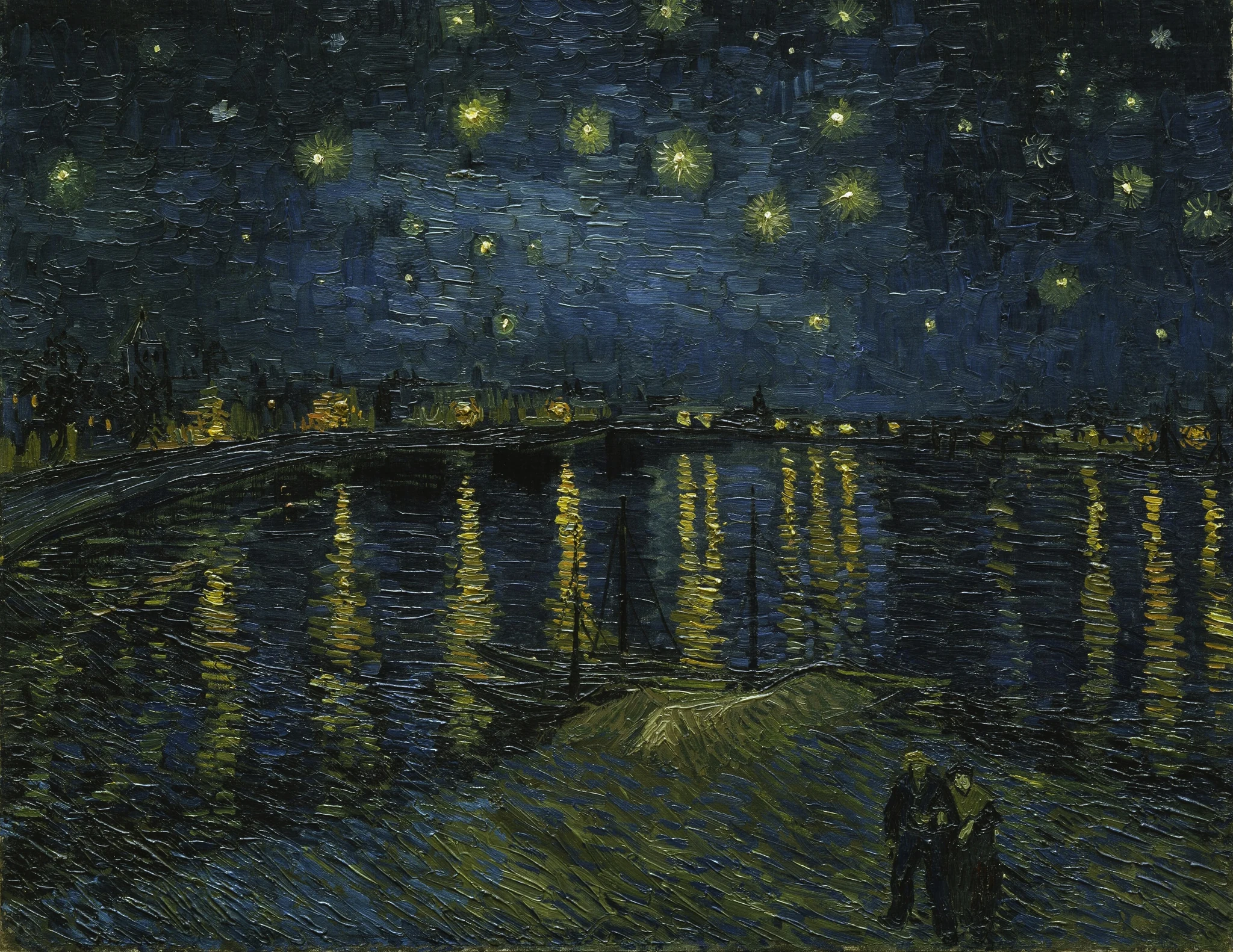
Step away and your screen becomes a framed painting instead of going dark. Pick a style, and Paperman sets the frame, the mat and the right paper texture for it.
20+
masterpieces
Small things that matter after the first hour.
Dial the intensity from 15% to 30% for both light and dark modes. Enough to change the screen surface without blurring your work. No color shifting, no loss of clarity.
Crafted for a natural, tactile tooth. A subtle matte finish that mimics fine paper stocks and stays crisp at any display resolution.
Automagically disable the texture layer for specific apps (Photoshop, video players, etc), or switch to "Only listed" mode so it only runs in the apps you choose.
Automatically toggle based on your local sunrise and sunset or a custom schedule. Set it, forget it, and let your eyes rest.
Built for speed on Windows and macOS. Tiny footprint: typically <25 MB of dedicated memory at rest and near-zero CPU impact.
Paperman scales seamlessly across all connected displays. One setting controls every screen, ensuring a consistent matte surface across your entire workstation.
Everything you need to know about the digital grain.
Every other eye protection tool changes your colors. Paperman changes your screen's texture. It works alongside color filters, addressing the visual strain that temperature shifts alone can't touch, like contrast reduction and highlight diffusion.
No. Paperman adds a fine paper grain to your display, not a color filter, so it won't shift your whites orange. Any texture that affects luminance has some effect on pixel values, but Paperman is designed to keep hue shifts minimal.
Night Light is a free color shifter. Paperman is specialized relief software that changes surface texture. If color shifts alone haven't fixed your digital eye strain, it's likely because you're sensitive to screen contrast and specular glare, which is exactly what Paperman addresses.
Many users with ADHD report that the 'matte' effect reduces sensory overstimulation and visual noise, making it easier to maintain focus during long screen sessions. It's built by a founder who lives with ADHD.
Yes. Paperman covers every monitor you have, and you can choose exactly which displays it runs on. Add or drop a display whenever you like from the built-in monitor picker.
Not at all. For most users, Paperman sits at less than 25 MB of dedicated memory at rest with zero animation loops. You might notice a brief spike when the texture engine first initializes, or slightly higher usage if you are driving multiple monitors, but it quickly settles down.
On Windows, Paperman is free to download. The free tier gives you 1 hour of the paper effect per day, with no ads or usage tracking. Upgrade to Paperman Unlimited for $8.99 for a lifetime of unlimited paper effect.
On macOS, Paperman is a one-time purchase, available from the Mac App Store or as a direct download. It's also available through Setapp, either as a one-time license or included with your Setapp subscription. New Setapp subscribers can also try it free for 7 days before paying.
Updates, ideas, and conversations with our team.
Field notes on visual ergonomics, design, and what we're building next.
Quick updates, behind-the-scenes, and conversations with the community.

Threads, questions, and discussions around screen comfort and our tools.
DoublOne Studios
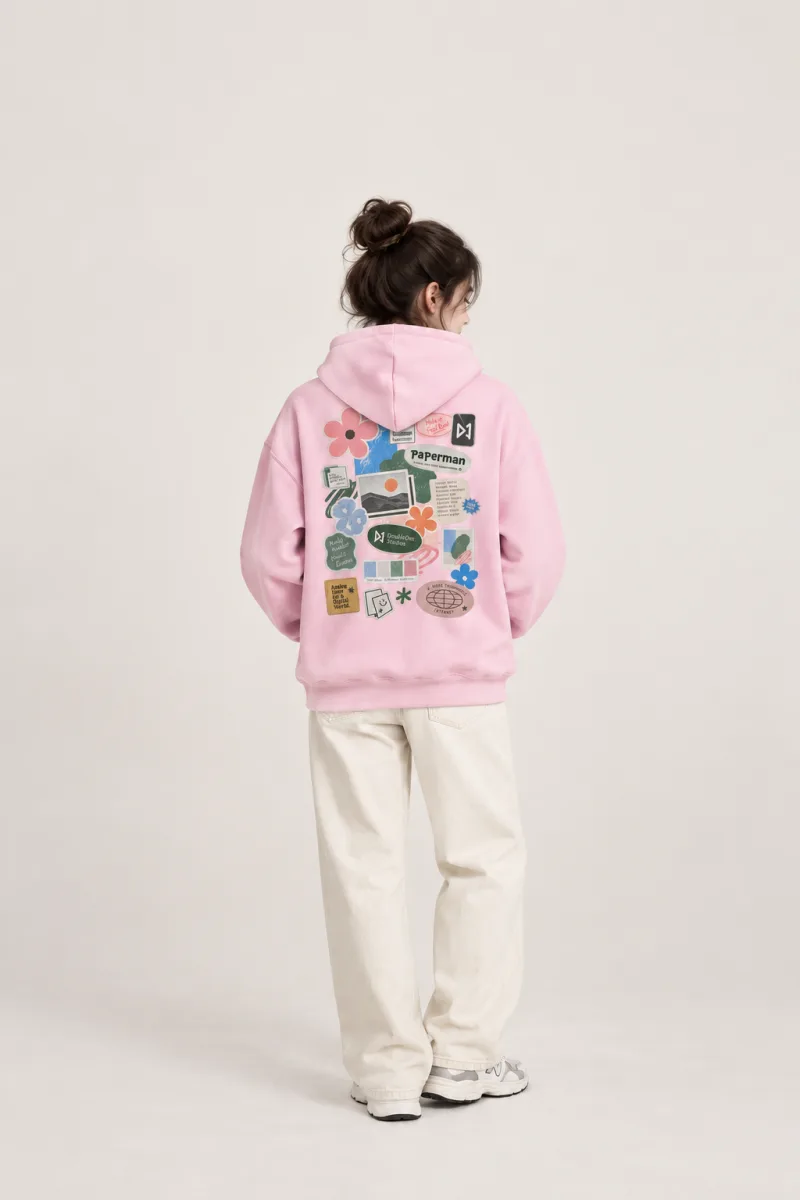
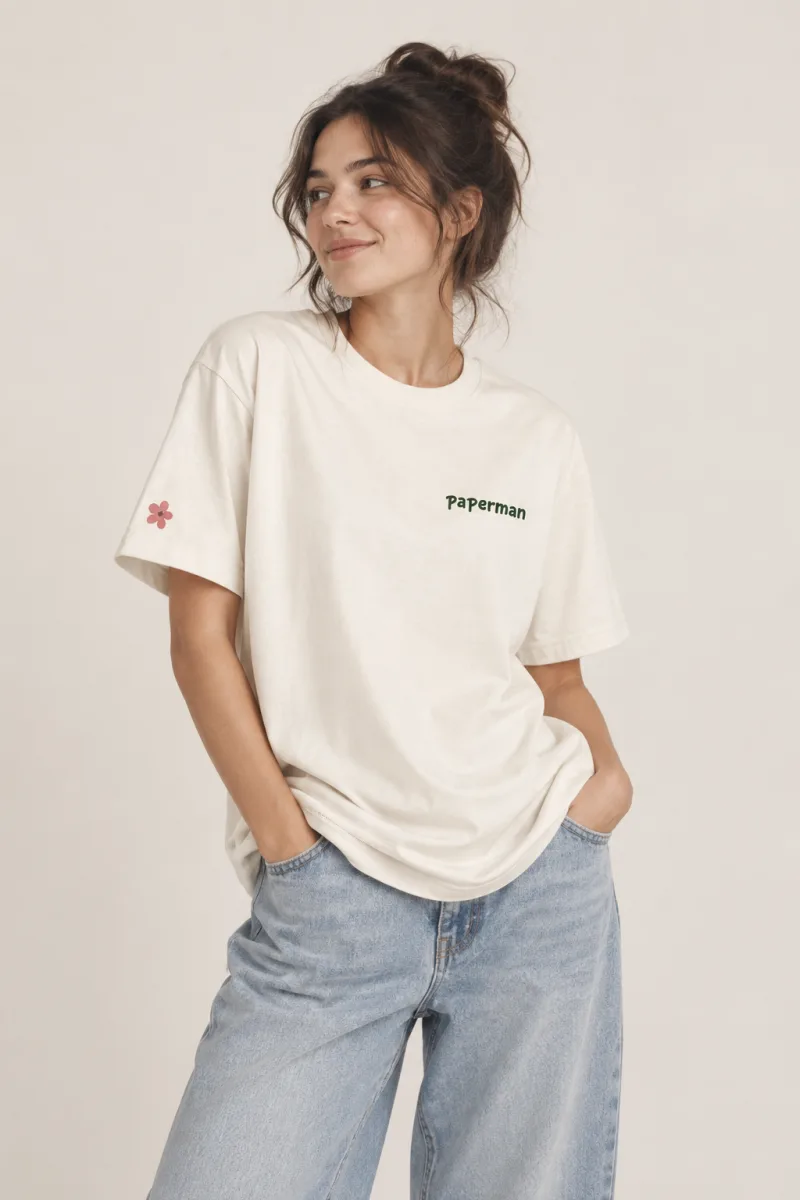
Hoodies and tees for people who like their screens to feel like paper.
Visit the shopFree to download on Windows. Upgrade to Paperman Unlimited™ for $8.99. A one-time payment for a lifetime license. No subscriptions.